Email Deliverability for Creators: How to Stay Out of the Spam Folder
Learn how SPF, DKIM, DMARC, list hygiene, and sending habits affect email deliverability, and follow a simple checklist to keep your newsletter in the inbox.
Writing a great newsletter doesn’t help if it lands in spam. Deliverability, meaning your ability to reach the inbox, depends on technical setup, list quality, and how readers interact with your emails. Major mailbox providers have tightened their requirements for bulk senders in recent years, so getting the basics right matters more than ever.
This guide explains deliverability in plain English and gives you a practical checklist.
Key takeaways
- Authenticate your sending domain with SPF, DKIM, and DMARC.
- Make unsubscribing easy and keep spam complaints very low.
- Send to people who want your emails and remove those who never engage.
How inbox placement works
Mailbox providers like Gmail, Yahoo, and Outlook decide where your email lands based on your sender reputation and each message’s characteristics. Reputation is built from signals such as spam complaints, bounces, engagement (opens, replies, moving emails out of spam), and whether your email is properly authenticated.
Step 1: Authenticate your domain
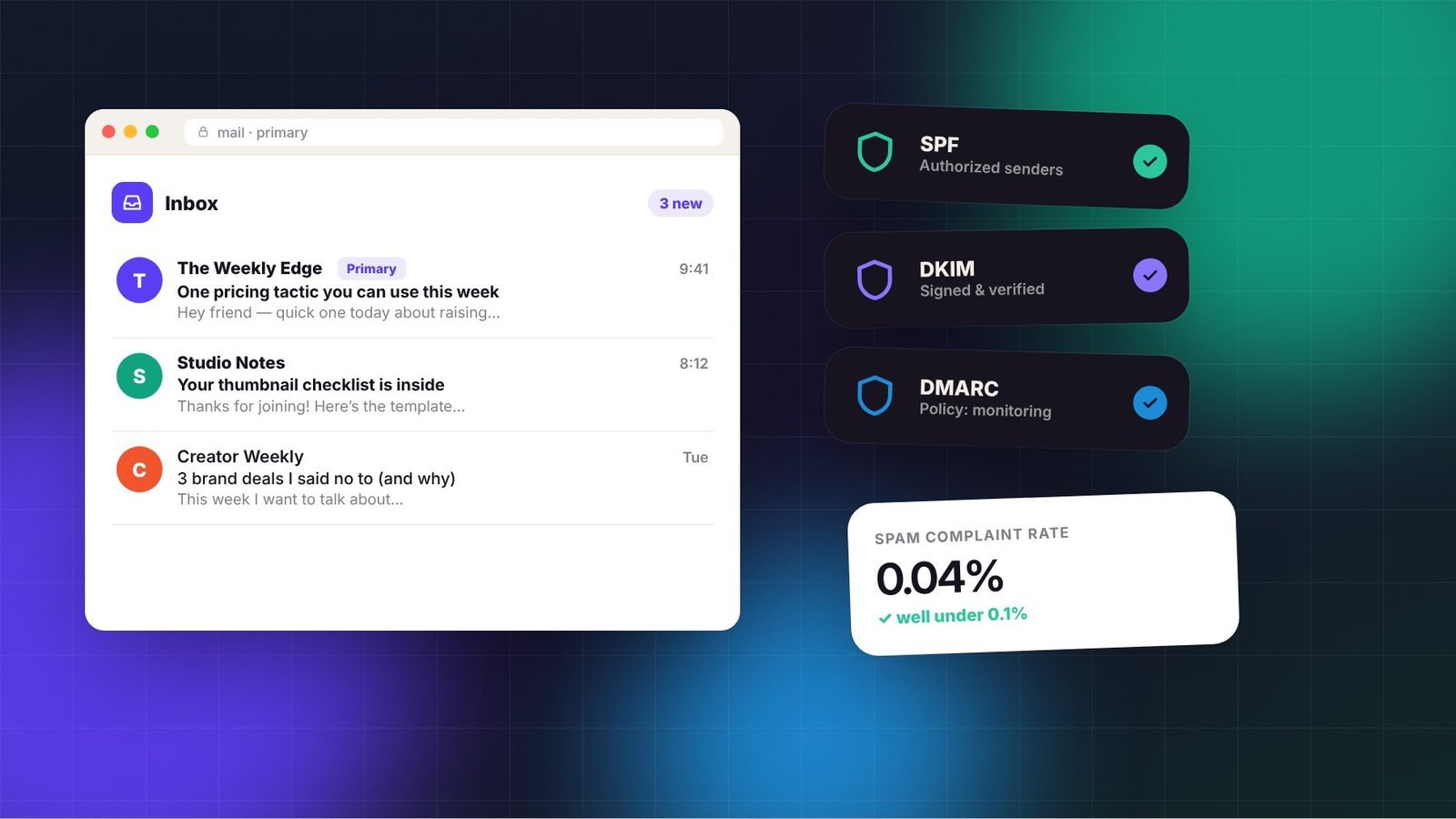
Authentication proves your emails really come from you. There are three key records, added in your domain’s DNS settings:
- SPF (Sender Policy Framework): lists which services are allowed to send email for your domain.
- DKIM (DomainKeys Identified Mail): adds a digital signature that proves the message wasn’t altered.
- DMARC: tells providers what to do if SPF or DKIM fail, and sends you reports. Many creators start with a monitoring policy and tighten it later.
Since 2024, Google and Yahoo have required bulk senders to authenticate their email, and other providers have followed with similar rules. Your newsletter platform will provide the exact DNS records to add; your domain registrar’s help center will explain where to paste them.
Step 2: Send from your own domain
Sending from a free address such as a Gmail account through a newsletter platform can hurt deliverability, because you can’t authenticate a domain you don’t own. Use an address like hello@yourdomain.com.
Step 3: Make unsubscribing easy
A visible unsubscribe link is required under US law (the CAN-SPAM Act), and major providers now expect one-click unsubscribe support for bulk senders. Most newsletter platforms handle this automatically. Resist the urge to hide the link; people who can’t find it will click “Report spam” instead, which damages your reputation.
Step 4: Keep spam complaints low
Google’s sender guidelines ask bulk senders to keep spam complaint rates below 0.3%, and recommend staying well under 0.1%. To keep complaints down:
- Only email people who explicitly signed up. Never buy or scrape lists.
- Remind readers why they’re receiving your email, especially in early issues.
- Send consistently so readers recognize you.
- Deliver what you promised on your sign-up page.
Step 5: Clean your list regularly
Inactive subscribers drag down engagement signals. Every few months, identify people who haven’t opened or clicked in a long time, often 90 to 180 days depending on how often you send. Send them a short re-engagement email asking if they still want to hear from you, then remove those who don’t respond.
Also use double opt-in, where subscribers confirm by email, if your list attracts many fake or mistyped addresses. It reduces bounces and spam traps.
Step 6: Write emails that look like real communication
- Use a recognizable sender name, such as your name or newsletter name.
- Avoid misleading subject lines; they lead to complaints.
- Keep a healthy balance of text and images; image-only emails can look spammy.
- Don’t overload issues with links, especially shortened links from unknown services.
- Encourage replies. Two-way conversation is a strong positive signal.
Step 7: Warm up new lists and domains
If you’re sending from a new domain or importing a list, start by sending to your most engaged subscribers first, then gradually increase volume. Sudden large sends from a new domain can look suspicious to mailbox providers.
Deliverability checklist
| Item | Done? |
|---|---|
| Custom sending domain set up | ☐ |
| SPF, DKIM, and DMARC records added and verified | ☐ |
| One-click unsubscribe enabled and footer link visible | ☐ |
| Physical mailing address in footer (CAN-SPAM) | ☐ |
| Welcome email asks for a reply | ☐ |
| Inactive subscribers cleaned in the last six months | ☐ |
| Google Postmaster Tools connected (to monitor Gmail reputation) | ☐ |
What to do if you land in spam
- Check authentication with your platform’s domain checker.
- Look for a recent change: a new link, a big imported list, or a sudden spike in volume.
- Send your next few issues only to engaged subscribers.
- Ask loyal readers to move your email to their primary inbox and reply.
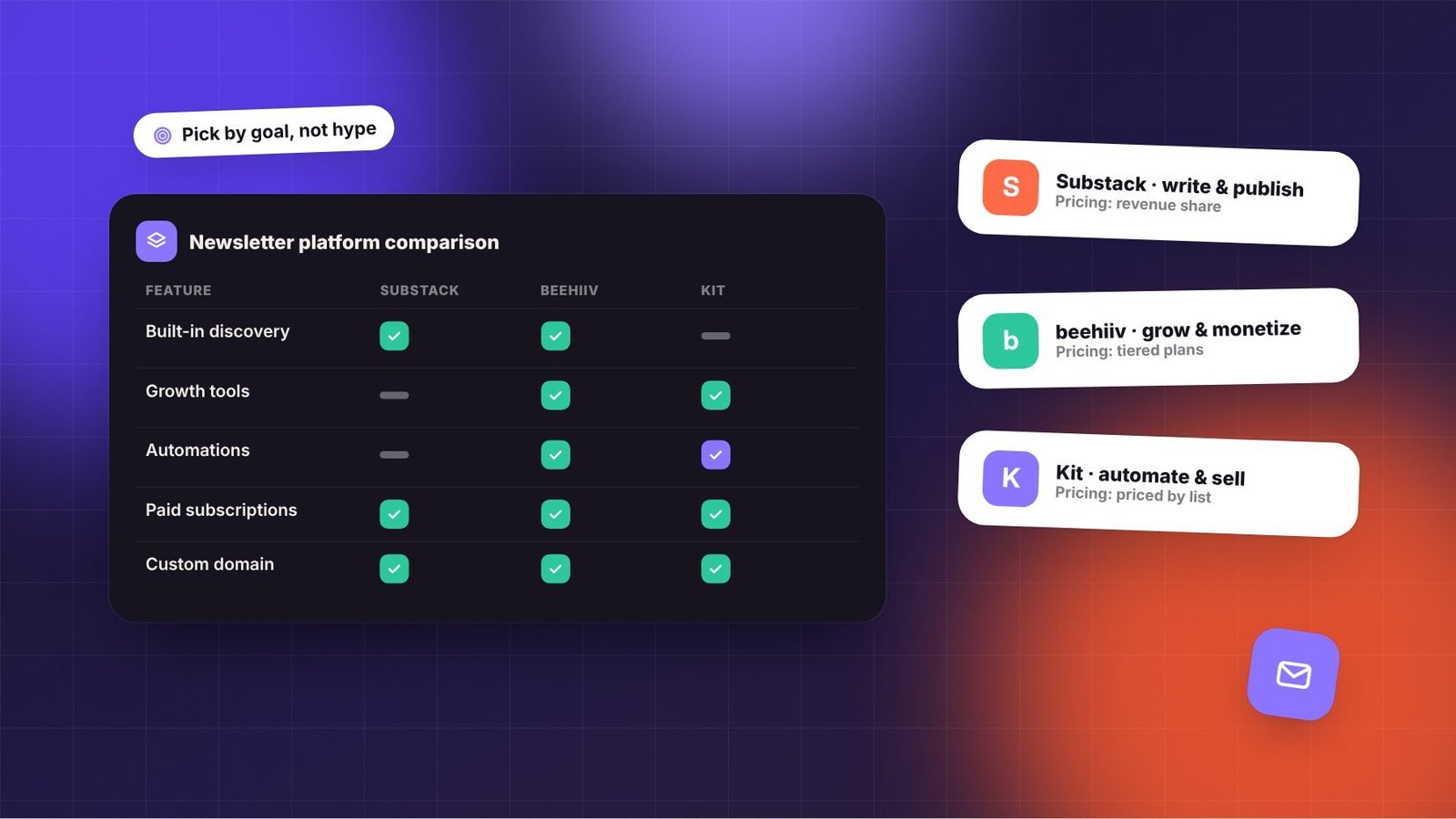
Deliverability isn’t a one-time setup; it’s a habit. Authenticate once, then focus on sending emails people genuinely want, and the inbox will follow. If you’re still choosing a platform, see our newsletter platform comparison.
Frequently asked questions
What is a good spam complaint rate?
Google asks bulk senders to stay below a 0.3% spam rate and recommends keeping it well under 0.1%. Sending only to people who opted in, and making it easy to unsubscribe, are the best ways to keep complaints low.
Do I need DMARC if I’m a small sender?
Authentication is best practice for every sender and is required for bulk senders by major providers. Adding SPF, DKIM, and a basic DMARC record is usually straightforward with your platform’s instructions and helps protect your domain from spoofing.
Why are my open rates unreliable?
Some email apps preload images, which can register opens even when a person doesn’t read the email. Clicks, replies, and conversions are generally more reliable indicators of engagement.