Bookkeeping for Creators: A Simple Monthly System
A simple bookkeeping system for creators: separate accounts, categorizing income and expenses, monthly reviews, tools to use, and when to hire a bookkeeper.
Bookkeeping isn’t the most exciting part of being a creator, but it may be one of the most important. Clear books show which revenue streams are actually profitable, make tax time far less stressful, and give you the confidence to invest in your business. The good news: for most creators, a simple monthly routine is enough.
Key takeaways
- Separate business and personal money with dedicated accounts.
- Categorize every transaction monthly, not once a year.
- Review a simple profit and loss report to make better decisions.
Step 1: Separate your money
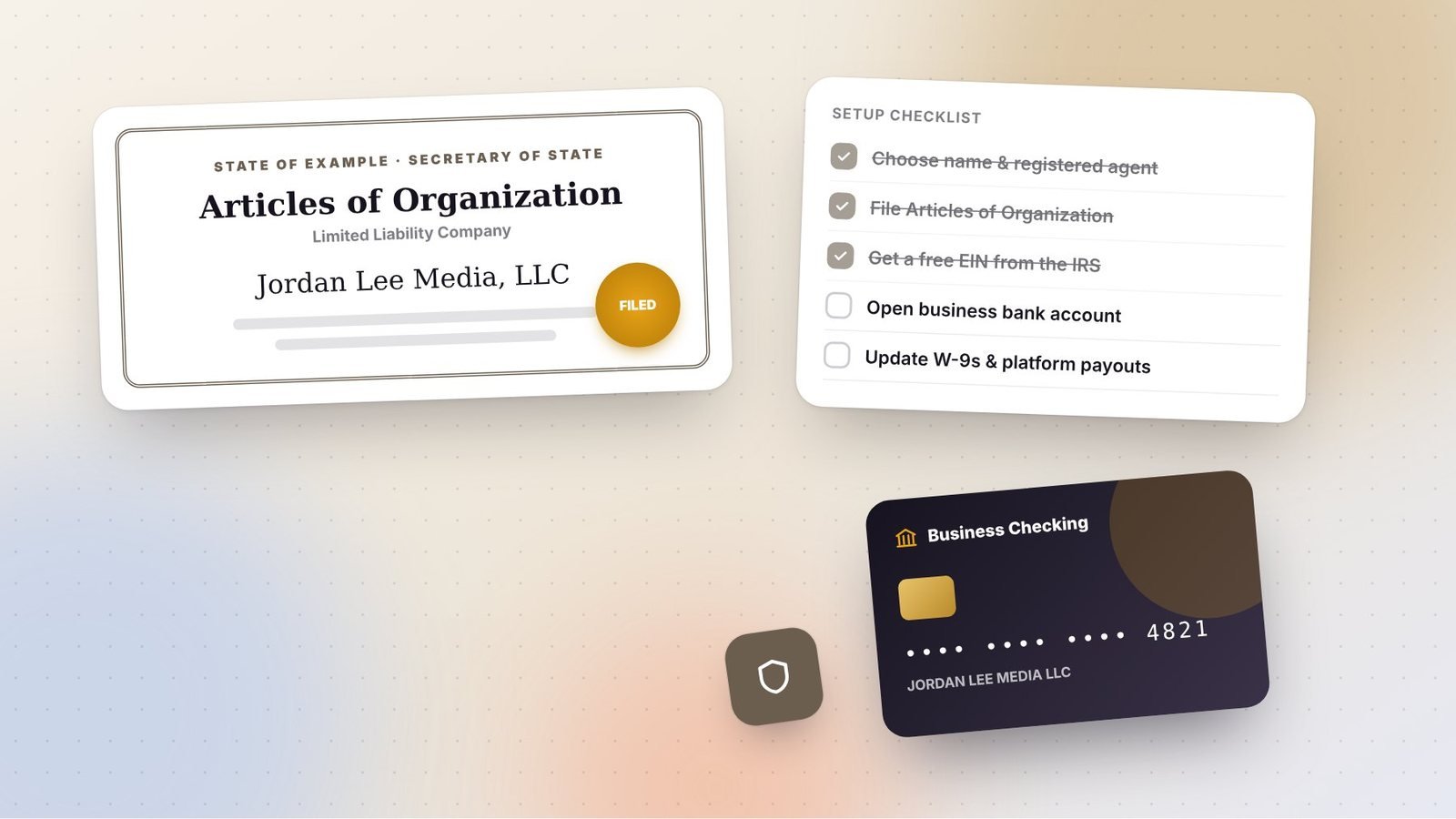
Open a dedicated business checking account and, ideally, a business credit card. Route all creator income into the business account, and pay all business expenses from it. This single step makes bookkeeping dramatically easier and is essential if you have an LLC.
Many creators also use a separate savings account for taxes, moving a percentage of each payment there automatically. Read our creator tax guide for more on how much to set aside.
Step 2: Choose your tools
| Stage | Tool type | Why |
|---|---|---|
| Just starting | Spreadsheet | Free and flexible; fine for a few transactions a month |
| Growing | Accounting software (e.g., QuickBooks, Xero, Wave) | Connects to bank feeds, auto-categorizes, generates reports |
| Established | Software plus a bookkeeper | Saves time and catches errors |
Pick a tool your tax professional is comfortable with, which makes year-end handoff simpler.
Step 3: Set up categories
Use categories that match how your business earns and spends money. Tracking income by source helps you see which streams are growing.
Income categories
- Ad revenue (YouTube, other platforms)
- Sponsorships and brand deals
- Affiliate commissions
- Digital product sales
- Courses and memberships
- Services and coaching
- Other income
Expense categories
- Equipment
- Software and subscriptions
- Contractors (editors, designers, assistants)
- Advertising and marketing
- Professional fees (accountant, lawyer)
- Platform and payment processing fees
- Travel
- Education
- Office and home office
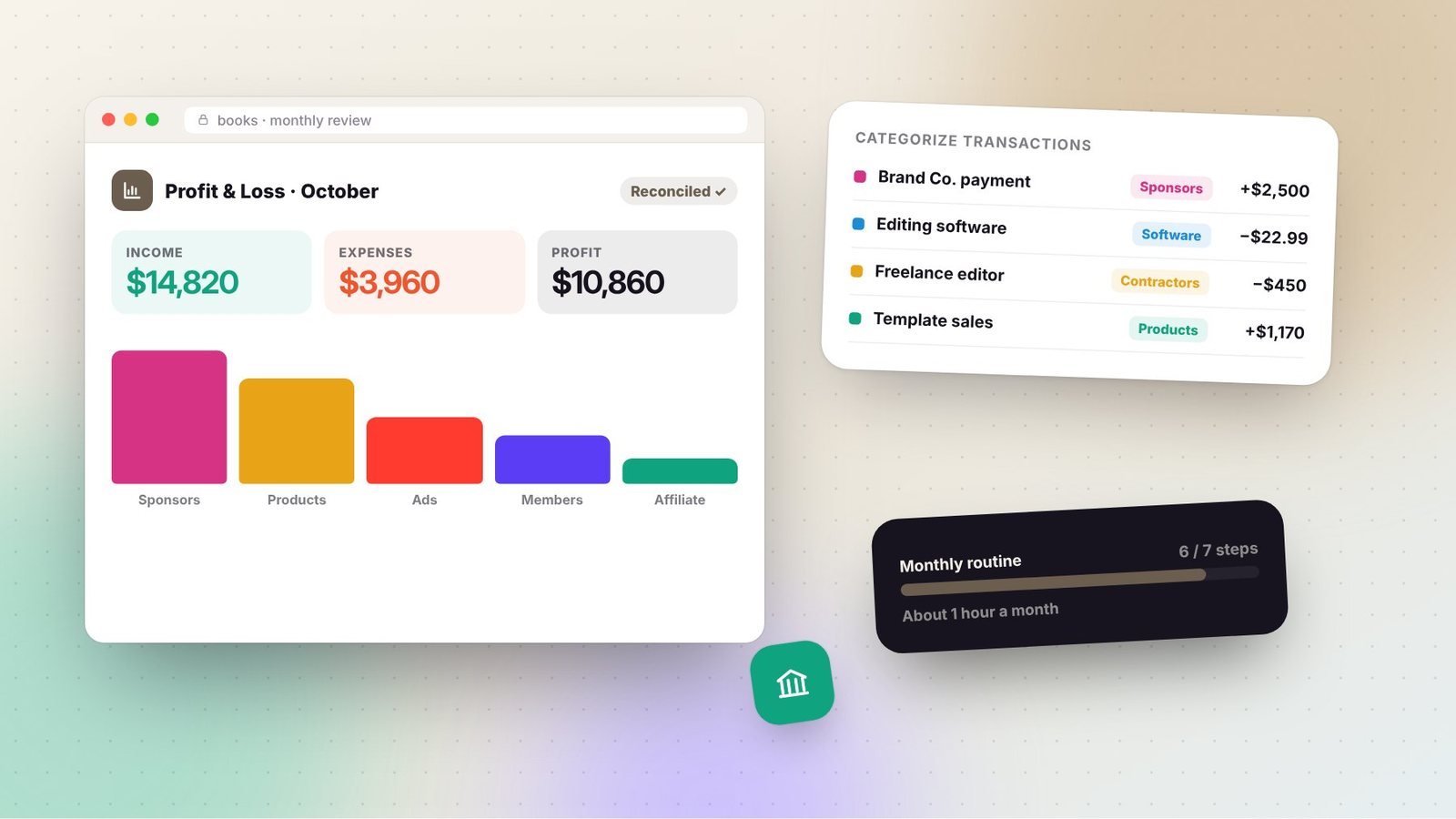
Step 4: The monthly routine (about one hour)
- Collect income reports from platforms, payment processors, and sales tools.
- Categorize every transaction in your software or spreadsheet.
- Attach receipts for expenses; snap photos as you go or forward email receipts to a dedicated folder.
- Reconcile accounts: make sure your records match your bank and card statements.
- Check unpaid invoices and follow up on late payments.
- Move tax savings into your tax account if you don’t automate it.
- Review your profit and loss report.
Step 5: Read your numbers
Your profit and loss (P&L) report shows income, expenses, and profit over a period. Each month, ask:
- Which revenue streams grew or shrank?
- What percentage of income goes to expenses?
- Are any subscriptions or costs no longer worth it?
- Do I have enough saved for taxes and slow months?
Over time, you’ll see seasonal patterns, such as higher ad revenue and brand budgets near the end of the year, and can plan accordingly.
Handling tricky transactions
- Platform payouts net of fees: record the gross sale and the fee separately for accurate records.
- Refunds and chargebacks: record them as reductions in income.
- Mixed-use purchases: if something is used personally and for business, track the business-use percentage.
- Gifted products: keep a list of products received from brands and ask your tax professional how to treat them.
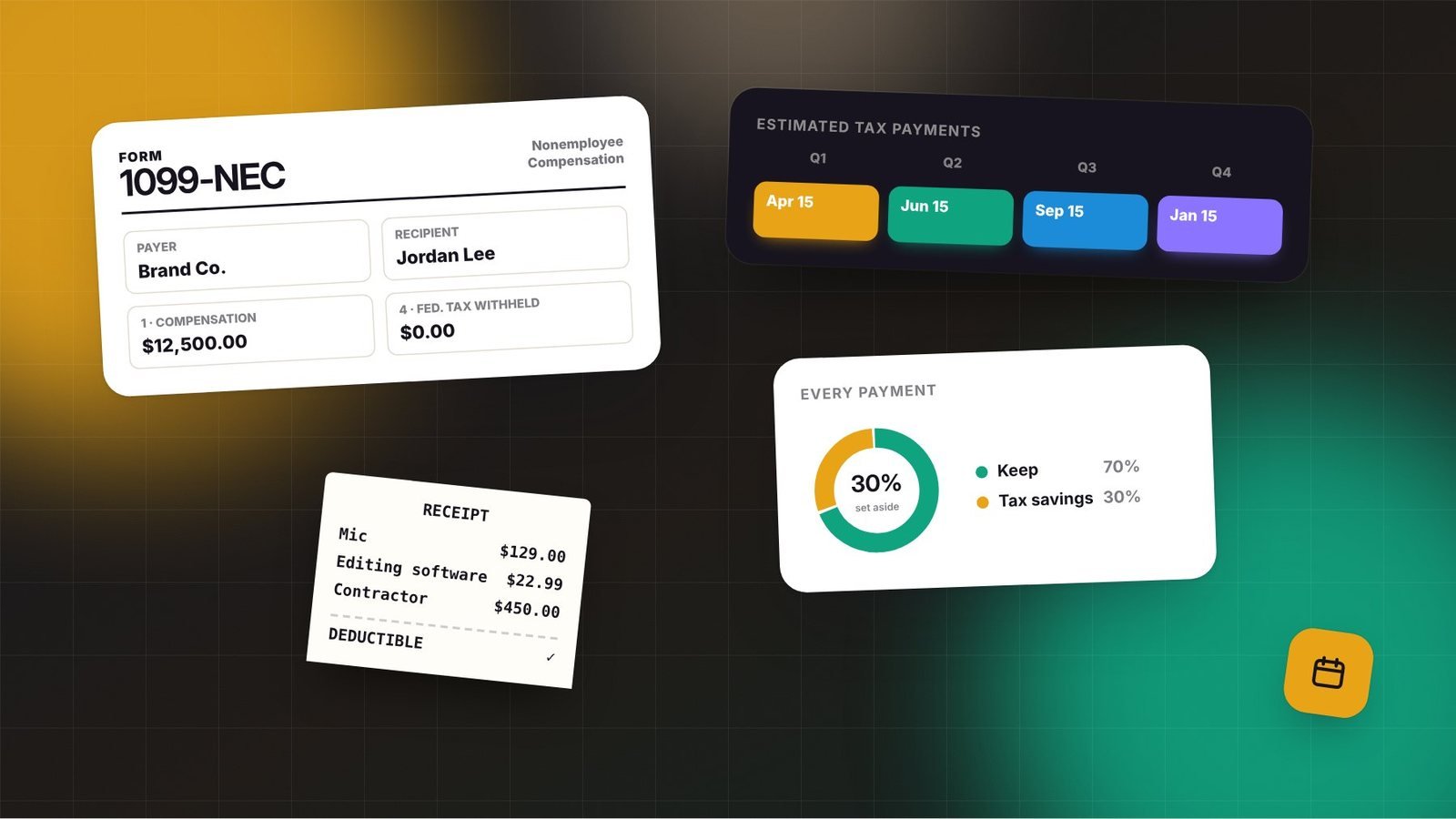
- Paying contractors: collect a W-9 before paying US contractors and track totals, since you may need to file 1099 forms for those above the reporting threshold.
When to hire a bookkeeper
Consider professional help when:
- You have many transactions across multiple platforms.
- You have employees or several contractors.
- You’re an S corporation running payroll.
- Bookkeeping regularly takes more than a few hours a month or keeps getting skipped.
A good bookkeeper often pays for themselves through time saved and errors caught.
Start this month
If you’re behind, don’t try to fix everything at once. Set up separate accounts, start the monthly routine from today, and then catch up on past months one at a time. Clear books give you clear decisions. If you’re thinking about formalizing your business, read should creators form an LLC.
Frequently asked questions
Can I use a personal bank account for my creator business?
You can, but it makes bookkeeping and taxes harder and can weaken liability protection if you have an LLC. A separate business account is one of the simplest and most valuable steps you can take.
How long should I keep receipts?
A common guideline is at least three years after filing, and longer for records related to assets like equipment. Ask your tax professional what applies to your situation.
Is spreadsheet bookkeeping enough?
For early-stage creators with few transactions, a well-organized spreadsheet can work. As transactions grow, accounting software with bank feeds saves time and reduces errors.