How to Create a Media Kit That Gets Brands to Say Yes
Build a creator media kit brands actually read: what to include, audience data to show, rate card tips, design advice, and mistakes to avoid.
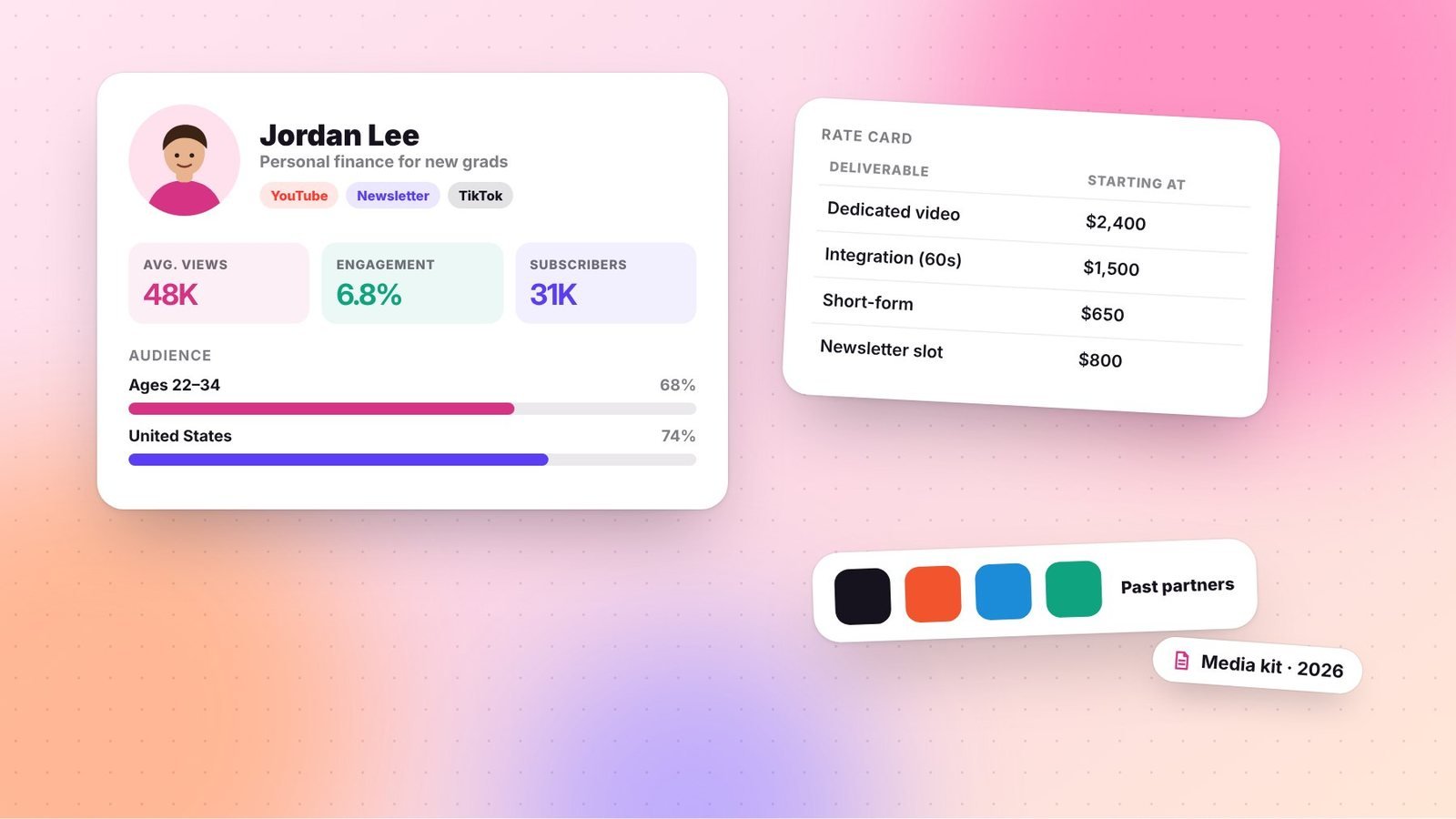
A media kit is a creator’s business card, portfolio, and sales sheet rolled into one. When a brand is deciding between several creators, a clear, professional media kit can make the difference. It shows who you reach, what you create, and what partnering with you looks like.
You don’t need a huge following to have a media kit. In fact, smaller creators benefit most, because a strong kit helps a brand see the value in a focused audience.
Key takeaways
- Keep it to one to three pages and lead with your audience, not your follower count.
- Show engagement, demographics, and examples of past work.
- Update your numbers regularly; outdated stats undermine trust.
What brands want to know
Brand managers review many creators. Your media kit should quickly answer:
- Who are you and what do you create?
- Who is your audience, and does it match our customers?
- How engaged is that audience?
- What have you done for other brands, and how did it perform?
- What can we buy, and how do we get started?
What to include
1. A short introduction
Two or three sentences about who you are, your niche, and what makes your content distinctive. Include a professional photo and your contact email.
2. Platforms and audience size
List your main platforms with follower or subscriber counts. Include newsletter subscribers and podcast downloads if relevant. Don’t pad numbers with platforms you barely use.
3. Engagement metrics
Brands often care more about engagement than raw size. Include metrics such as:
- Average views per video or post (more useful than follower counts)
- Engagement rate (likes, comments, shares, saves relative to reach or followers)
- Newsletter open and click rates
- Story views or link clicks for Instagram creators
Specify the time period, such as “average over the last 90 days.”
4. Audience demographics
Pull data from your platform analytics: age ranges, gender split, top countries, and top US states or cities if relevant. Add psychographic insights, such as interests, profession, or buying habits, if you have survey data.
5. Past partnerships and results
Show logos of brands you’ve worked with (with permission when required by contract) and highlight one or two case studies: what you created, and results such as views, clicks, or codes redeemed. If you haven’t done paid deals yet, include examples of organic content featuring products you love.
6. Partnership options
List the types of content you offer, such as dedicated videos, integrations, Instagram Reels, Stories, newsletter placements, or bundled packages. Whether you include prices is up to you (see below).
7. Testimonials
A short quote from a previous brand partner builds trust quickly.
8. Contact information
Make it easy: an email address and, if you have one, a booking link or manager contact.
Should you include rates?
There are two schools of thought:
- Include a rate card to filter out brands with mismatched budgets and speed up negotiations.
- Keep rates separate and send them on request, so you can tailor quotes based on deliverables, usage rights, and exclusivity.
Many creators include “starting at” rates or keep a separate rate card. Whatever you choose, our sponsored content pricing guide will help you set numbers with confidence.
Design tips
- Use your brand colors and fonts so the kit feels like an extension of your content.
- Keep it scannable with big numbers, short labels, and lots of white space.
- Export as a PDF and also consider a web version with a shareable link.
- Name the file clearly: “YourName-MediaKit-2026.pdf.”
Design tools like Canva and Figma offer media kit templates, but customize them so yours doesn’t look identical to everyone else’s.
Common mistakes
- Outdated stats. Update at least quarterly.
- Too long. Brands skim. Three pages is plenty.
- Vanity-only metrics. Follower counts without engagement or views raise questions.
- Inflated numbers. Brands can and do verify. Accuracy protects your reputation.
- No clear next step. End with exactly how to book you.
Put it to work
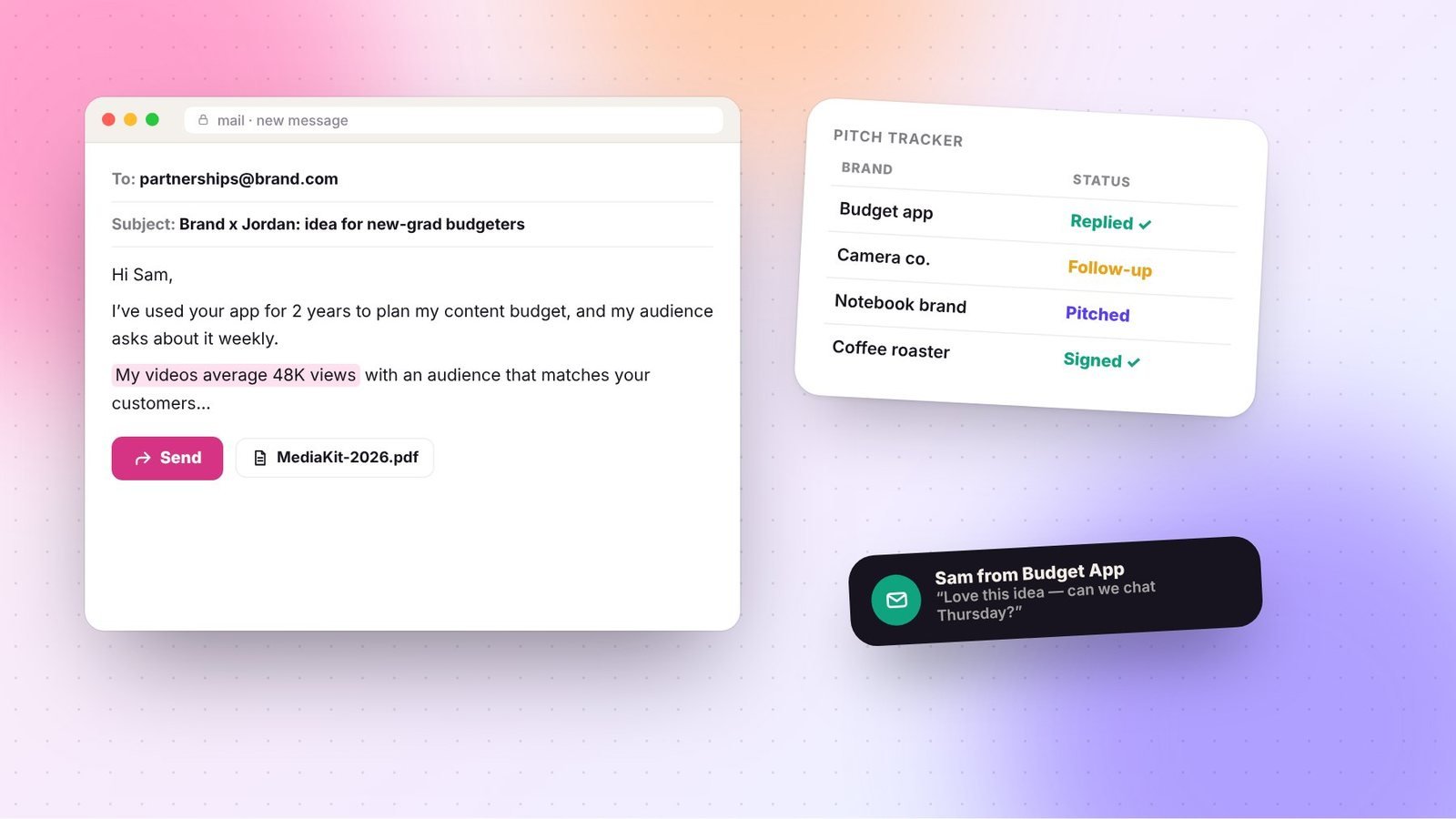
Once your media kit is ready, attach it to pitches, link it on your website, and send it when brands reach out. Our guide on how to pitch brands includes email templates you can pair with it. A well-built media kit won’t replace good content, but it makes it far easier for brands to say yes to working with you.
Frequently asked questions
Do I need a media kit if I’m a small creator?
Yes. A media kit is especially helpful for smaller creators because it shows engagement, audience fit, and professionalism that follower counts alone don’t communicate.
How often should I update my media kit?
Update it at least every quarter, or whenever your numbers change significantly or you complete a notable partnership. Outdated statistics can undermine trust.
Should my media kit be a PDF or a webpage?
Both work. A PDF is easy to attach to pitches, while a webpage is easy to update and share. Many creators keep a web version and export a PDF when needed.