The Essential Creator Tech Stack for Every Stage
Build the right creator tech stack for your stage: recording, editing, design, email, link-in-bio, selling, scheduling, analytics, and finance tools.
Creators today can run an entire media business from a laptop and a phone. The challenge isn’t a lack of tools; it’s the opposite. There are hundreds of apps promising to save you time, and subscription costs add up quickly. The right stack depends on your stage, format, and business model.
This guide organizes creator tools by job and stage so you can build a lean stack that grows with you.
Key takeaways
- Choose tools by job to be done, not hype.
- Start with free or low-cost tiers and upgrade only when a tool becomes a bottleneck.
- Audit subscriptions every quarter.
The core jobs every creator needs to cover
| Job | Starter options | Growth options |
|---|---|---|
| Recording | Smartphone, built-in webcam, USB mic | Mirrorless camera, XLR mic, audio interface |
| Video editing | CapCut, DaVinci Resolve (free), iMovie | Premiere Pro, Final Cut Pro, DaVinci Resolve Studio |
| Design | Canva free | Canva Pro, Figma, Adobe Photoshop |
| Planning | Google Docs, Notion, Trello | Notion, Airtable, ClickUp |
| Free tiers of newsletter platforms | Paid plans with automation | |
| Selling | Gumroad, Stan, Payhip | Kajabi, Podia, Kit Commerce, Shopify |
| Scheduling | Native platform schedulers | Multi-platform schedulers |
| Money | Separate bank account, spreadsheet | Accounting software, payroll tools |
Tool names are examples, not endorsements. Features and pricing change often; check current plans before subscribing.
Stage 1: Getting started (spend as little as possible)
At the start, your priority is learning what content works. Keep your stack minimal:
- Your phone for filming. Modern smartphones shoot excellent video.
- A decent microphone. Audio quality matters more than video quality for most formats. A simple lavalier or USB mic is a big upgrade.
- A free editor. CapCut and DaVinci Resolve’s free version are powerful.
- Canva for thumbnails and graphics.
- A note or board tool to track ideas.
- A free email platform tier to start your list from day one.
Stage 2: Consistent creator (save time)
Once you publish consistently, invest in tools that buy back hours:
- Templates in your editor and design tools.
- A scheduler for posting across platforms.
- Transcription and captioning tools to speed up repurposing.
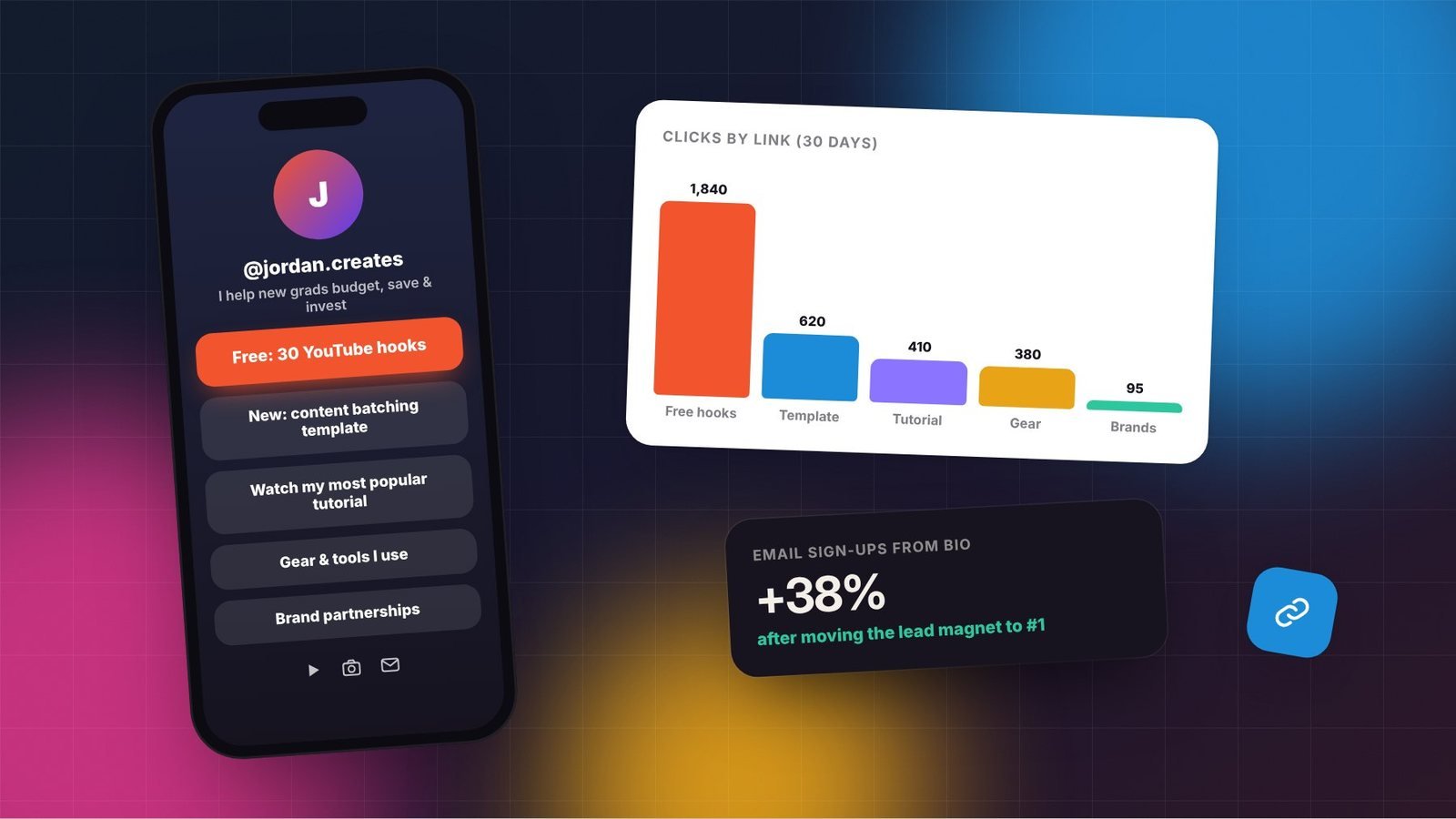
- A link-in-bio tool with analytics. See link-in-bio pages that convert.
- A simple storefront for your first digital product.
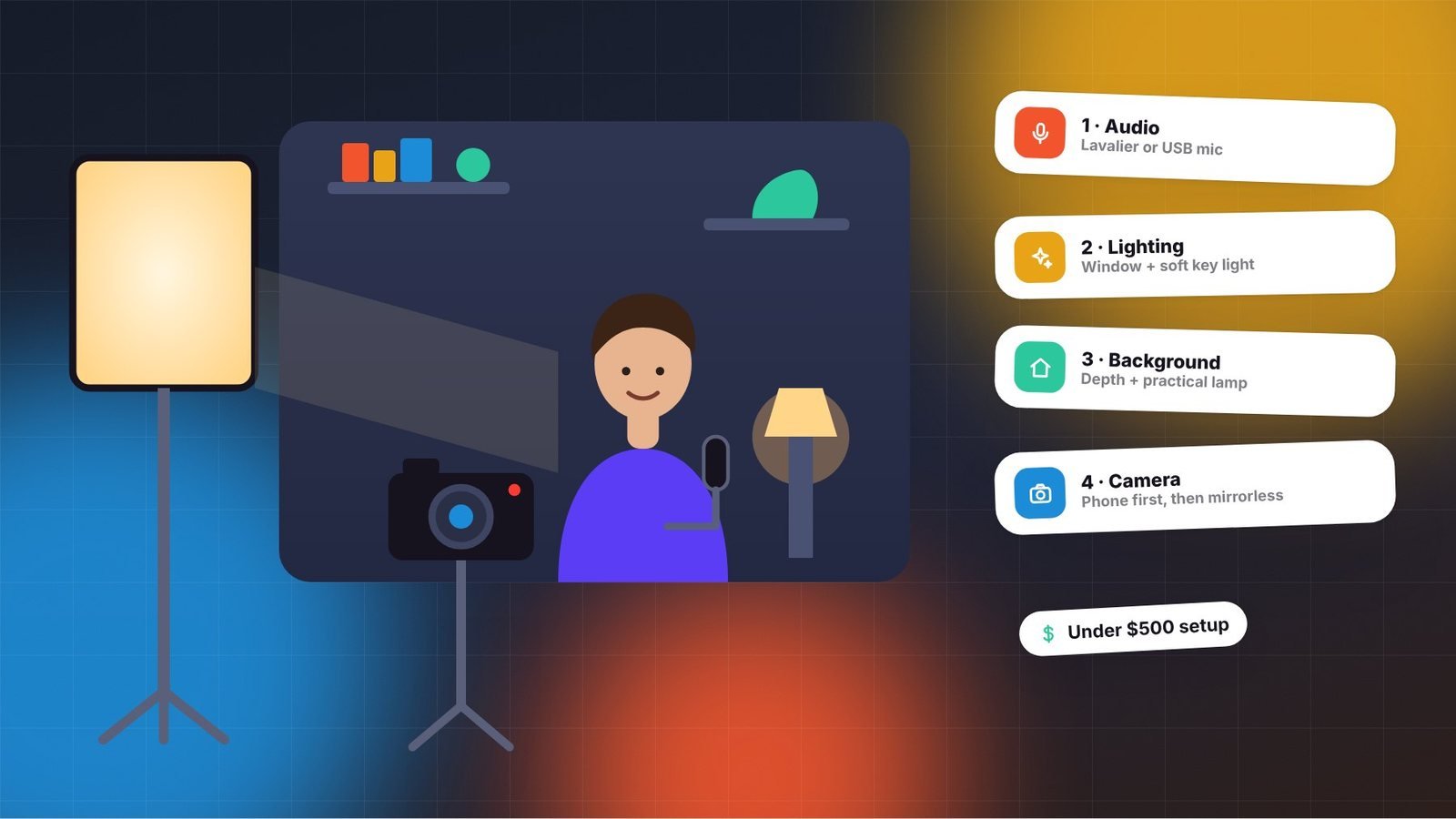
- Basic lighting if you film indoors. Our budget home studio guide covers options.
Stage 3: Creator business (systems and team)
As income grows, focus on systems that let you delegate and scale:
- Project management with shared boards and checklists for editors and assistants.
- Cloud storage and file sharing large enough for raw footage.
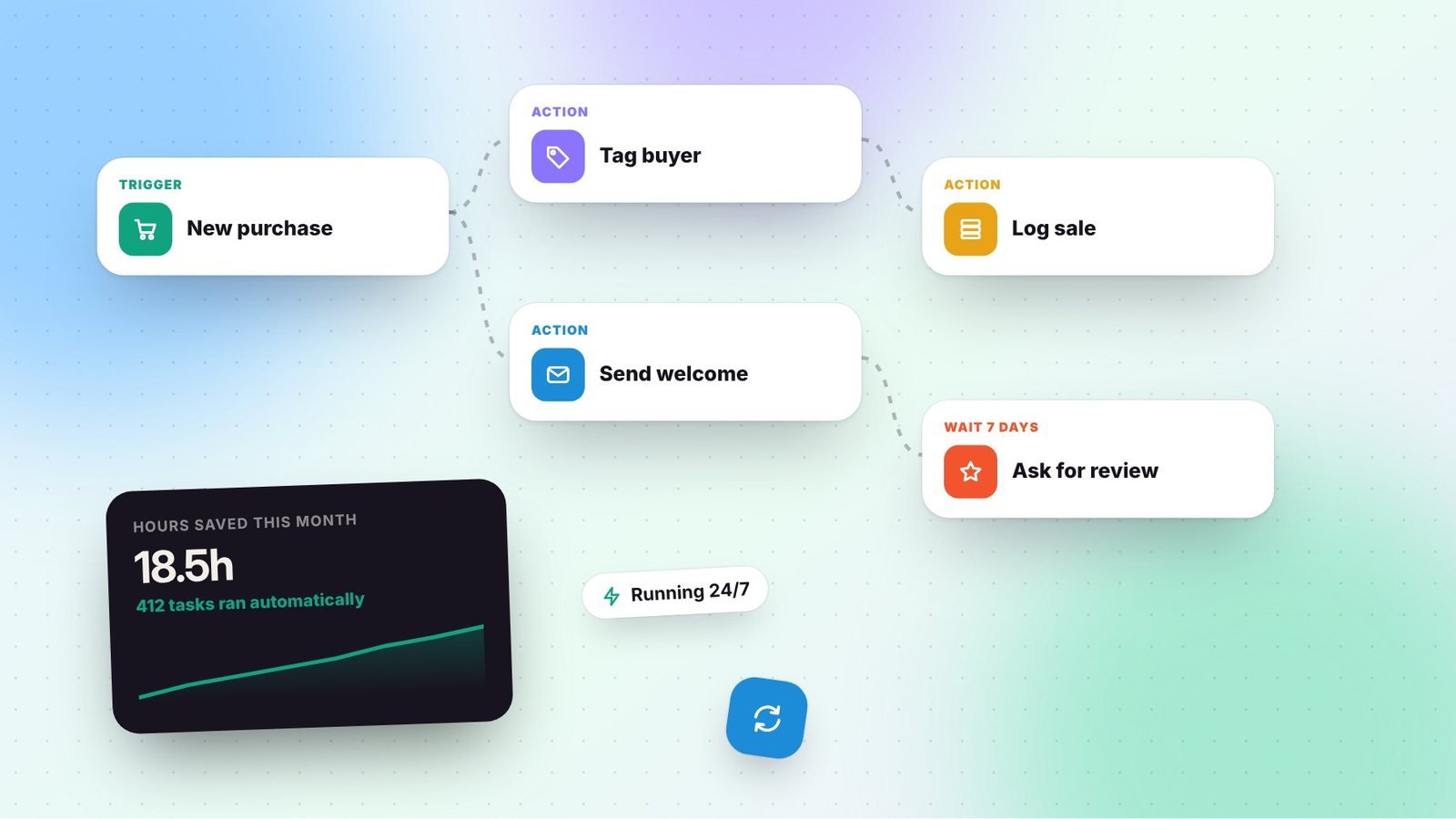
- Email automation with tags, segments, and sequences.
- Accounting software connected to your business bank account.
- Contract and invoicing tools for brand deals.
- Password manager with secure sharing for team members.
Don’t forget security
Your accounts are your business. Losing access to a channel or email list can be devastating. Every creator stack should include:
- A password manager with unique passwords for every account.
- Two-factor authentication, preferably with an authenticator app or security key rather than SMS.
- Caution with “brand deal” emails containing attachments or login links; phishing attacks targeting creators are common.
- Limited permissions for team members, removed promptly when they leave.
How to evaluate a new tool
- What job does it do, and what am I using for that now?
- How many hours or dollars will it save each month?
- Does it integrate with my existing tools?
- Can I export my data if I leave?
- Is there a free trial long enough to test it on real work?
Run a quarterly tool audit
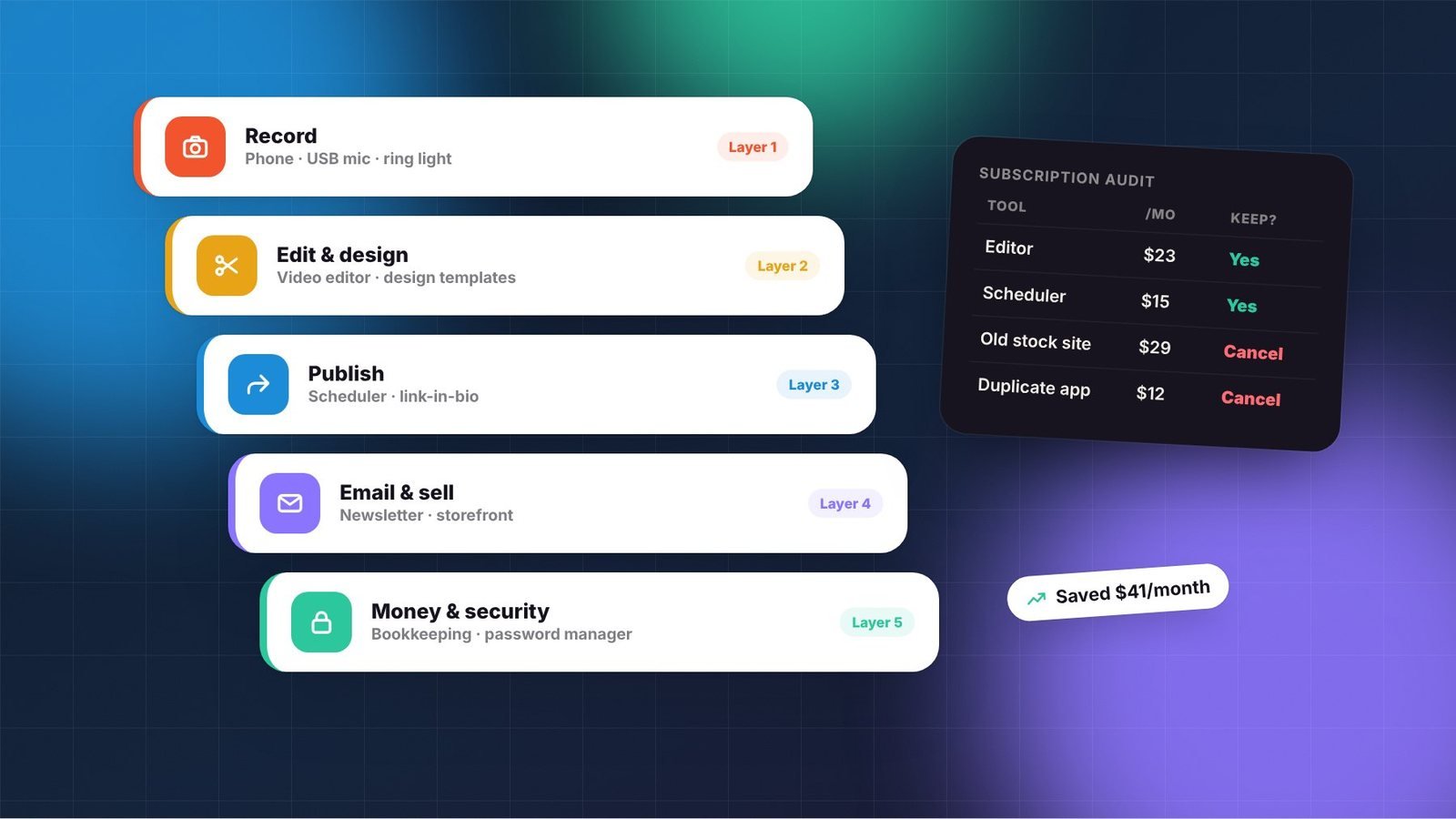
List every subscription with its monthly cost and when you last used it. Cancel tools you haven’t touched in a month, consolidate overlapping ones, and switch to annual billing for tools you’ll definitely keep. Software is usually a deductible business expense, so keep receipts; see our bookkeeping guide.
The best creator tech stack isn’t the biggest. It’s the one that lets you spend more time creating and less time fighting your tools.
Frequently asked questions
What is the most important tool to invest in first?
For most video and audio creators, a good microphone delivers the biggest quality improvement for the money. For everyone, starting an email list early is one of the most valuable long-term investments.
Are free tools good enough?
Often, yes, especially at the start. Free tiers of editing, design, and email tools are powerful. Upgrade when a limitation genuinely slows you down or costs you money.
How do I avoid subscription overload?
Run a quarterly audit of every tool, cancel anything unused, consolidate overlapping apps, and switch to annual plans only for tools you know you’ll keep.